Showcase

My approach is about moving the needle from compliance—just making sure they read the material—to competence, which is making sure they can actually do the job. This is the heart of Sustainable Training Growth. It’s about moving away from 'one-off' training events and instead designing a development framework that builds the high-performance habits needed for the organization to thrive long-term.

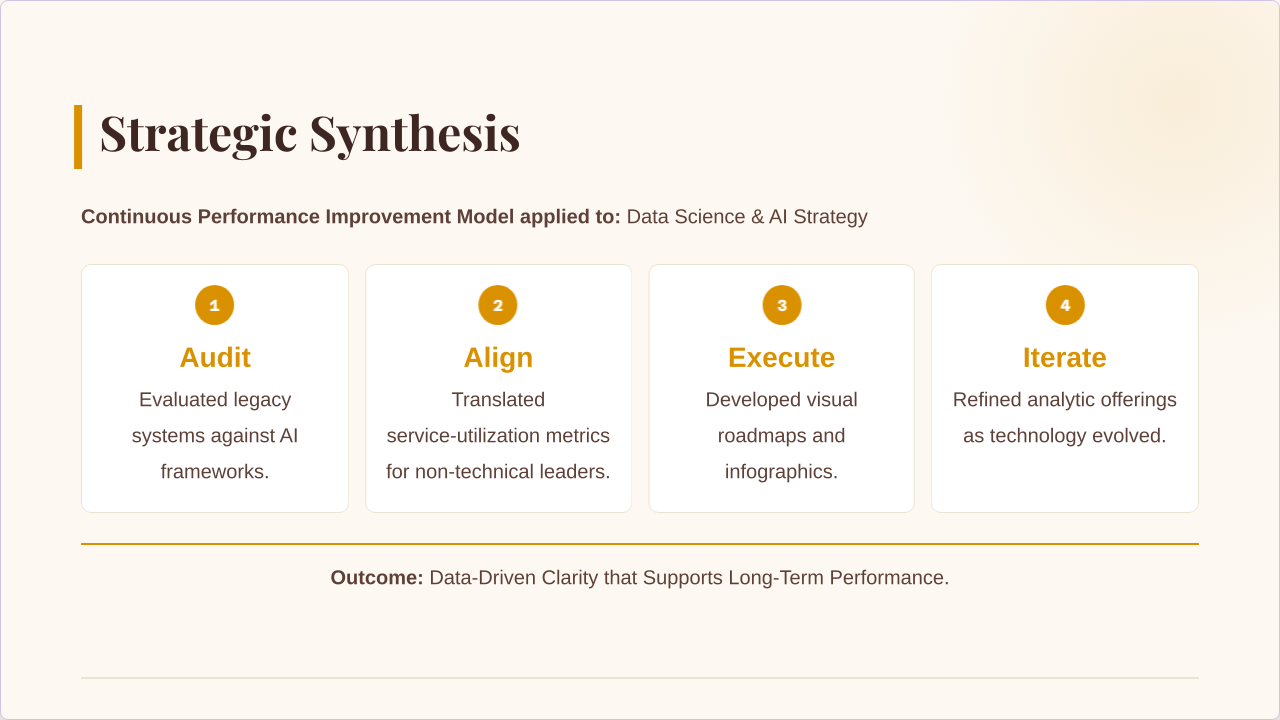
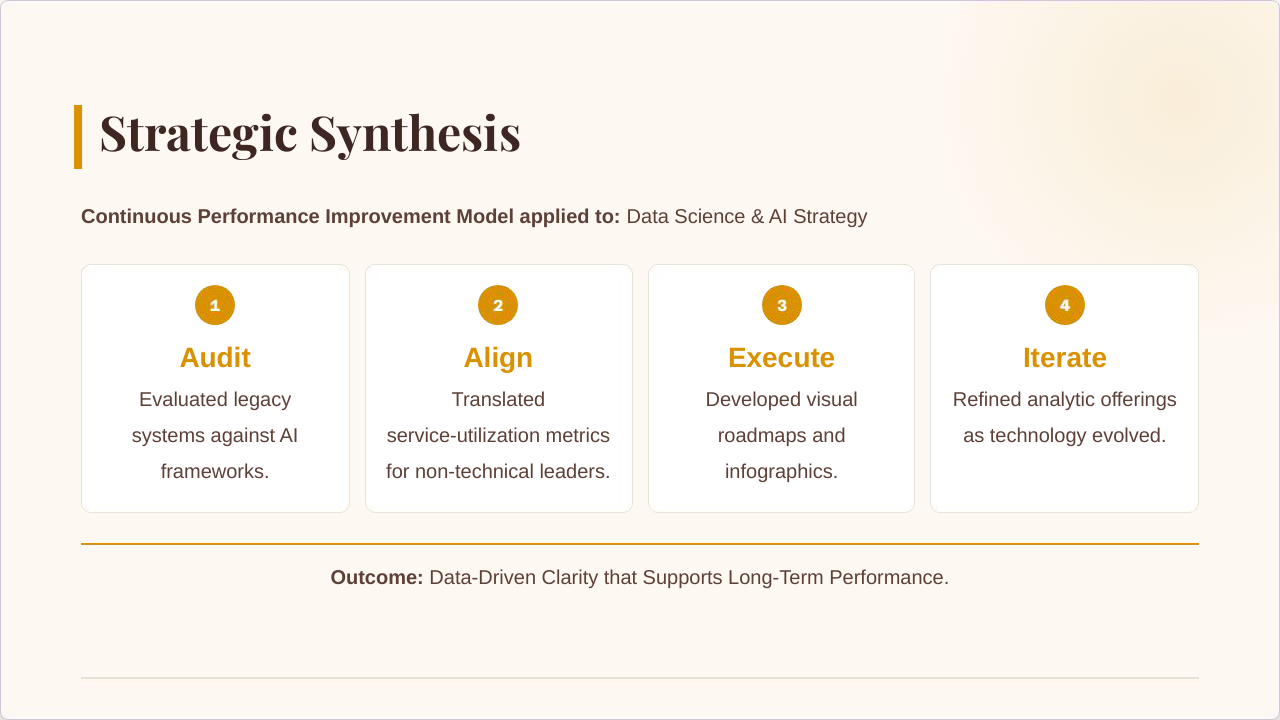
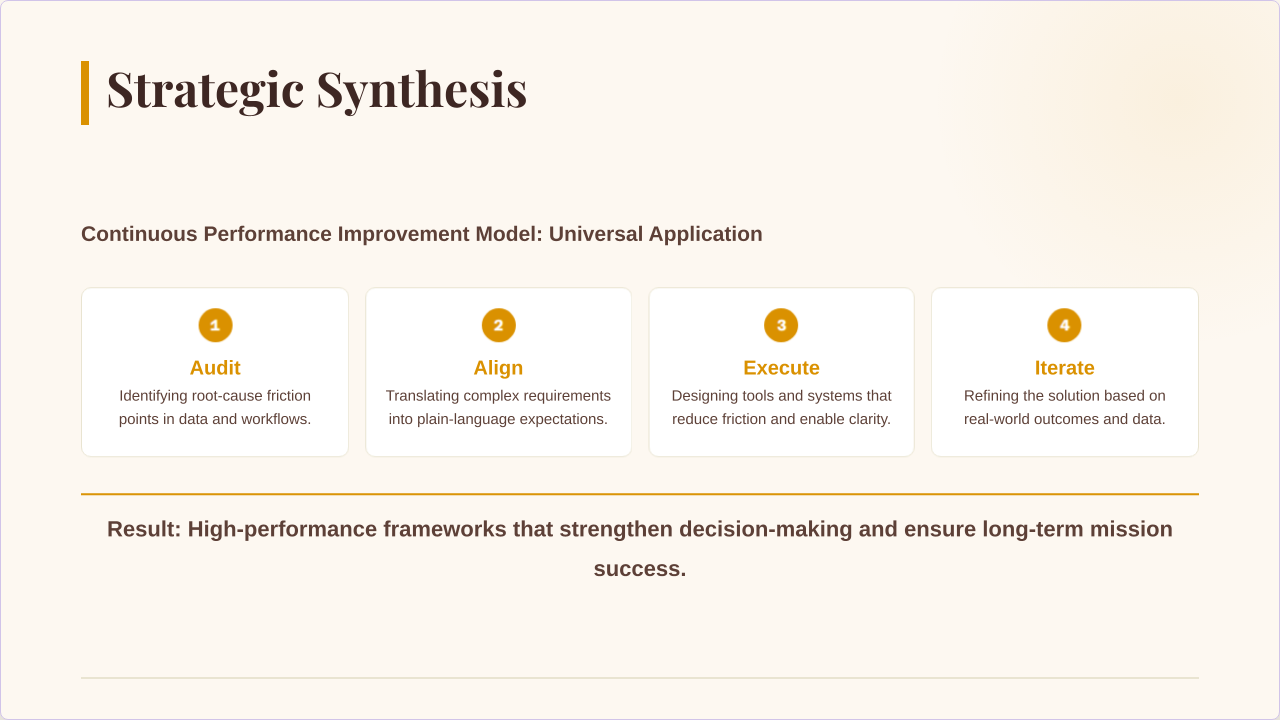
Sustainable Training Growth

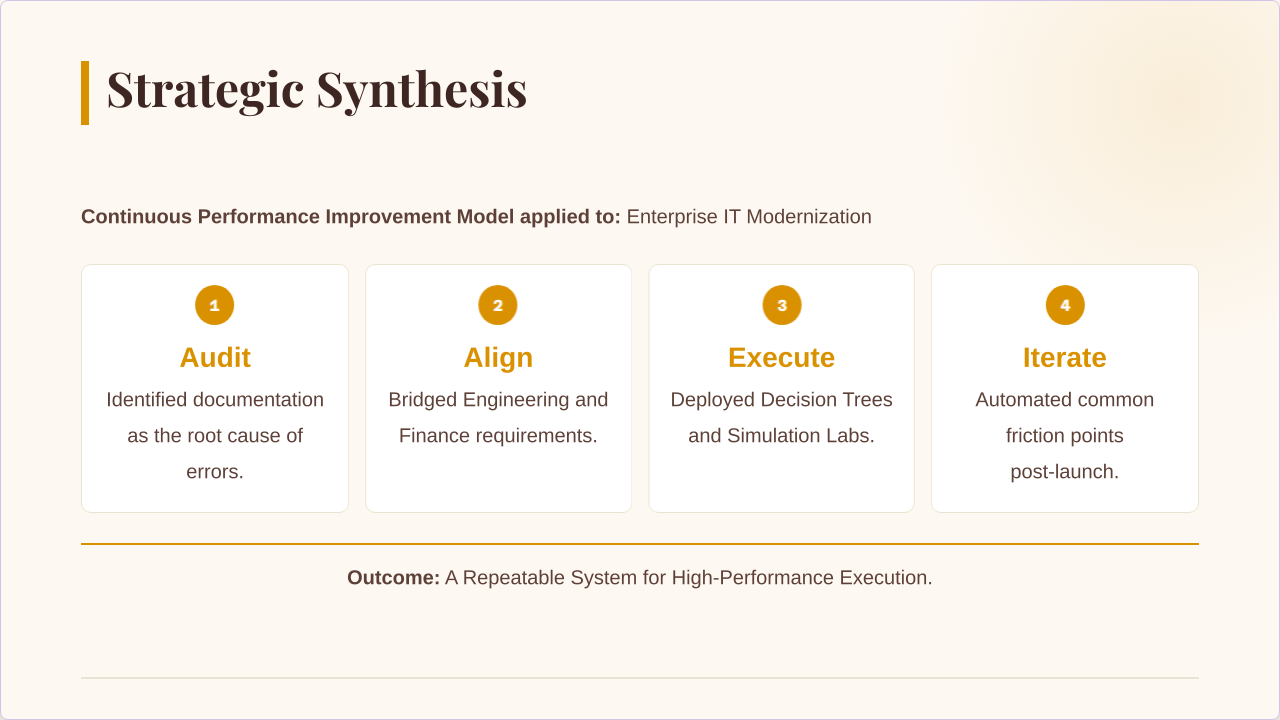
A four-part framework that ensures what's learned in training actually shows up in the work.

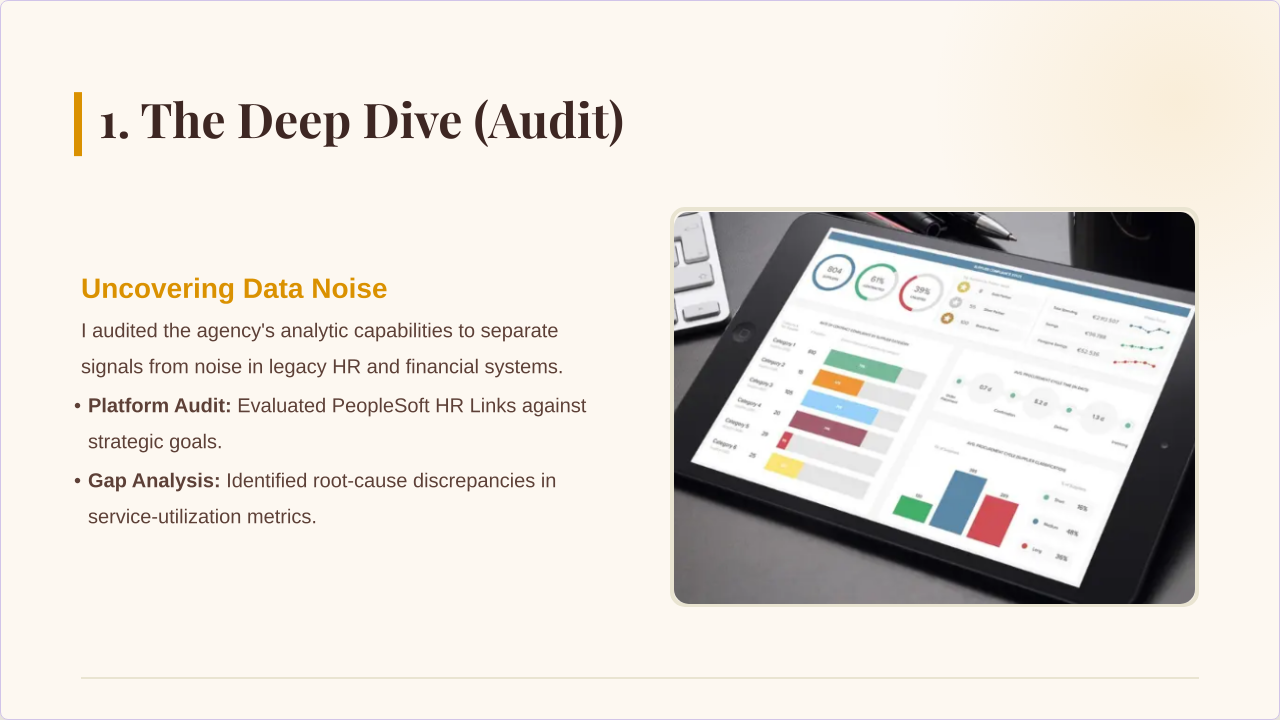
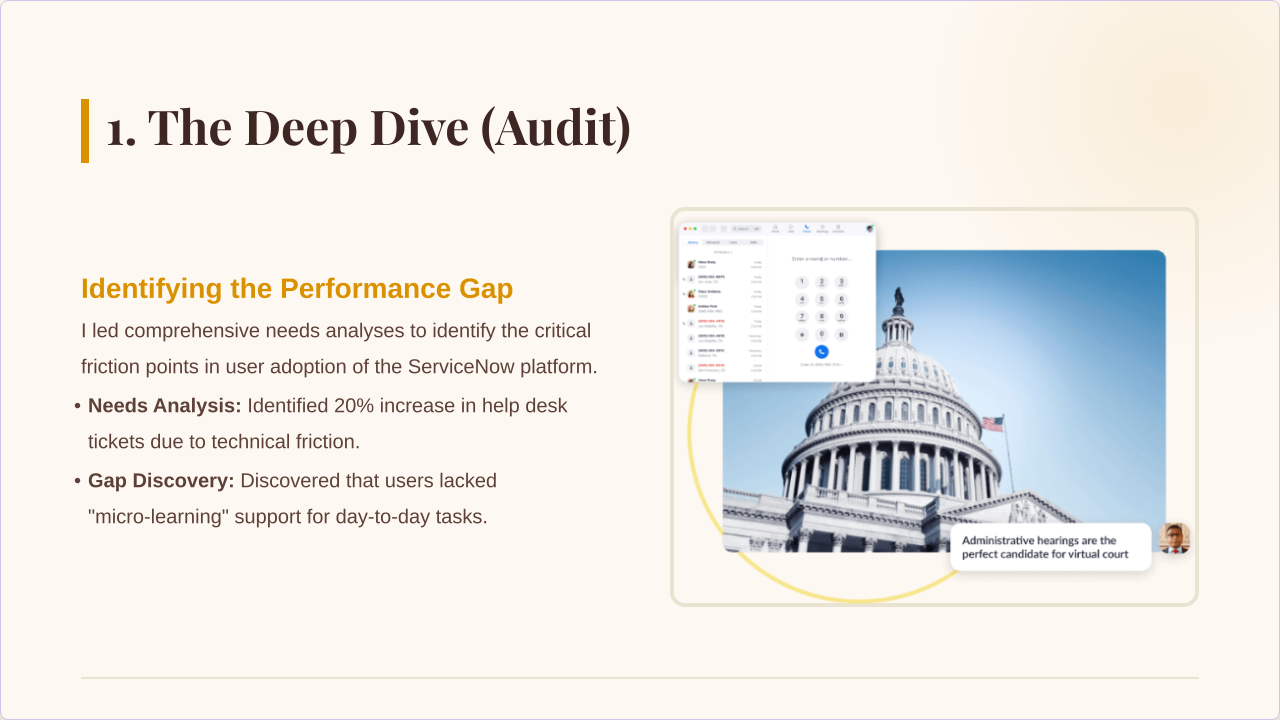
Audit The Deep Dive

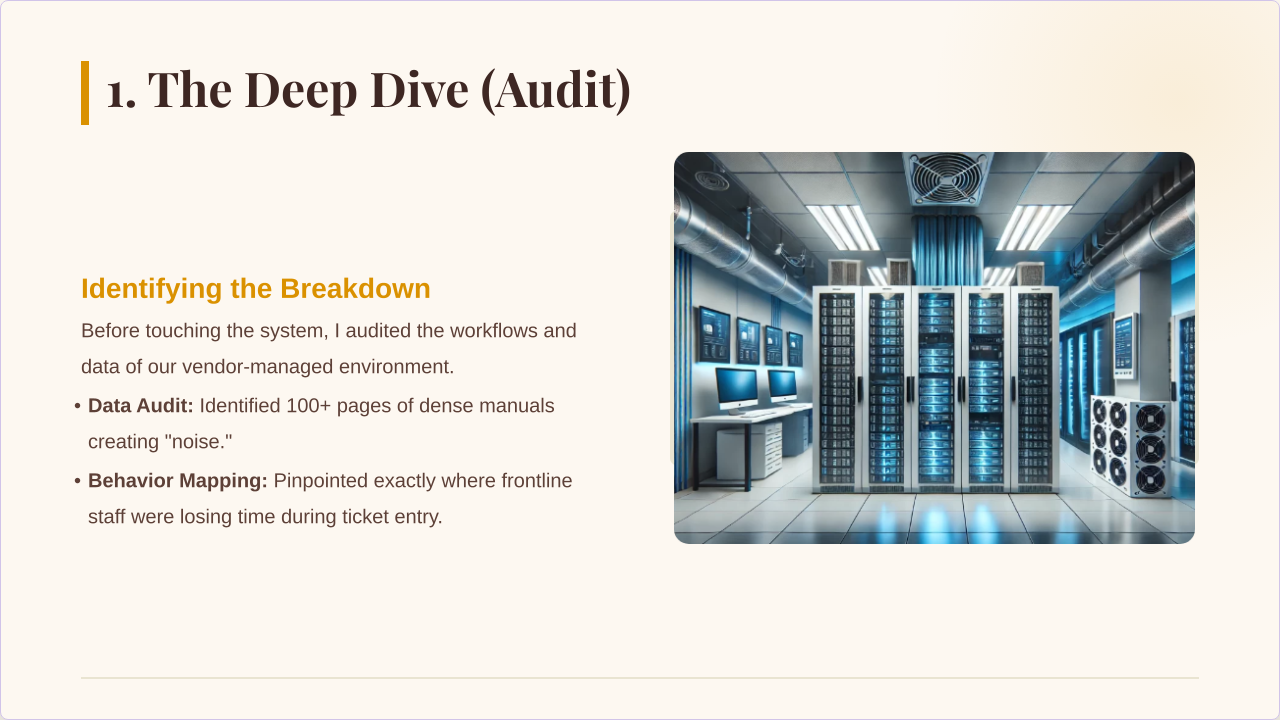
I cut through the "nice-to-know" fluff to identify the real friction points and "must-know" performance drivers.

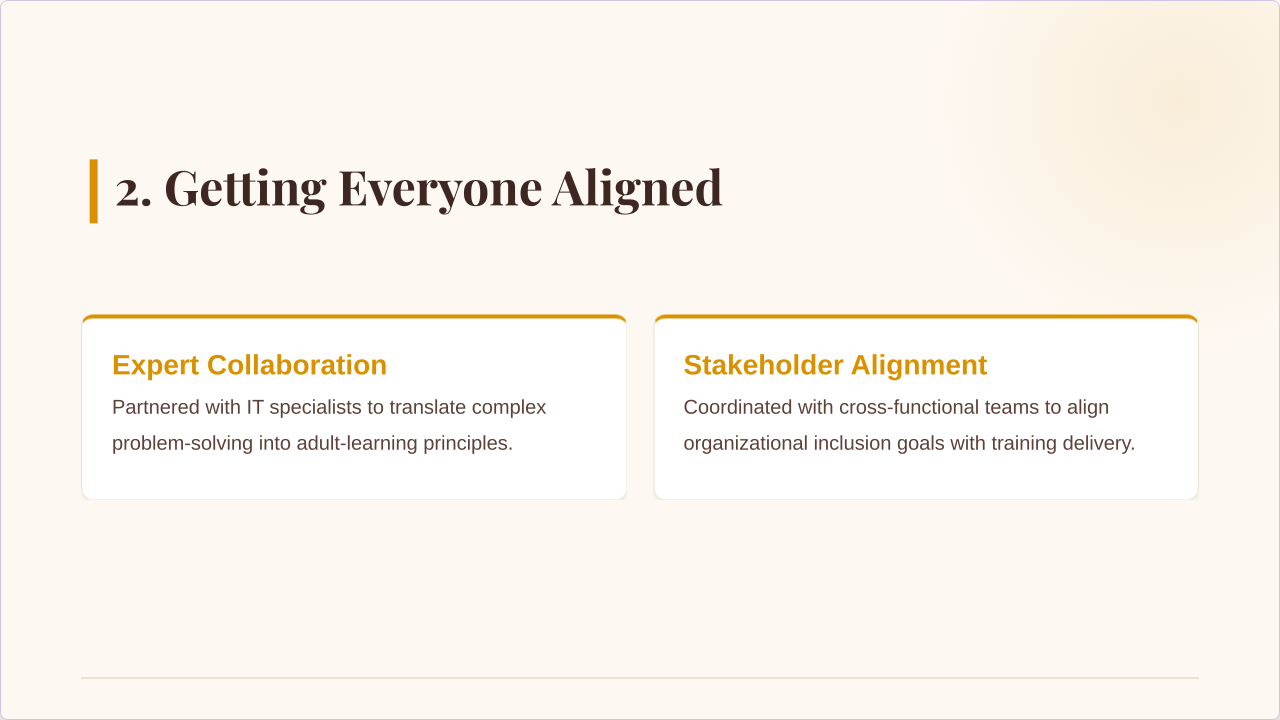
Align Getting Everyone on the Same Page

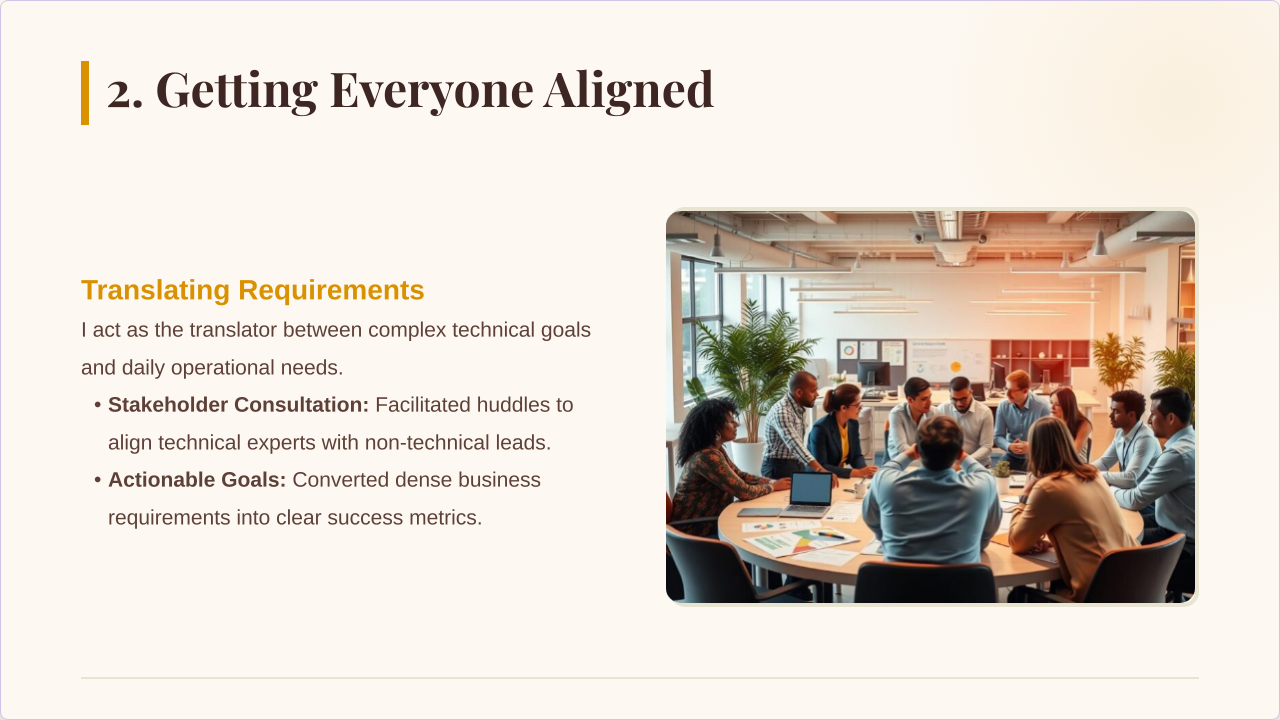
I ensure every module is perfectly synced with the organization's mission, defining exactly what the team needs to do to succeed.

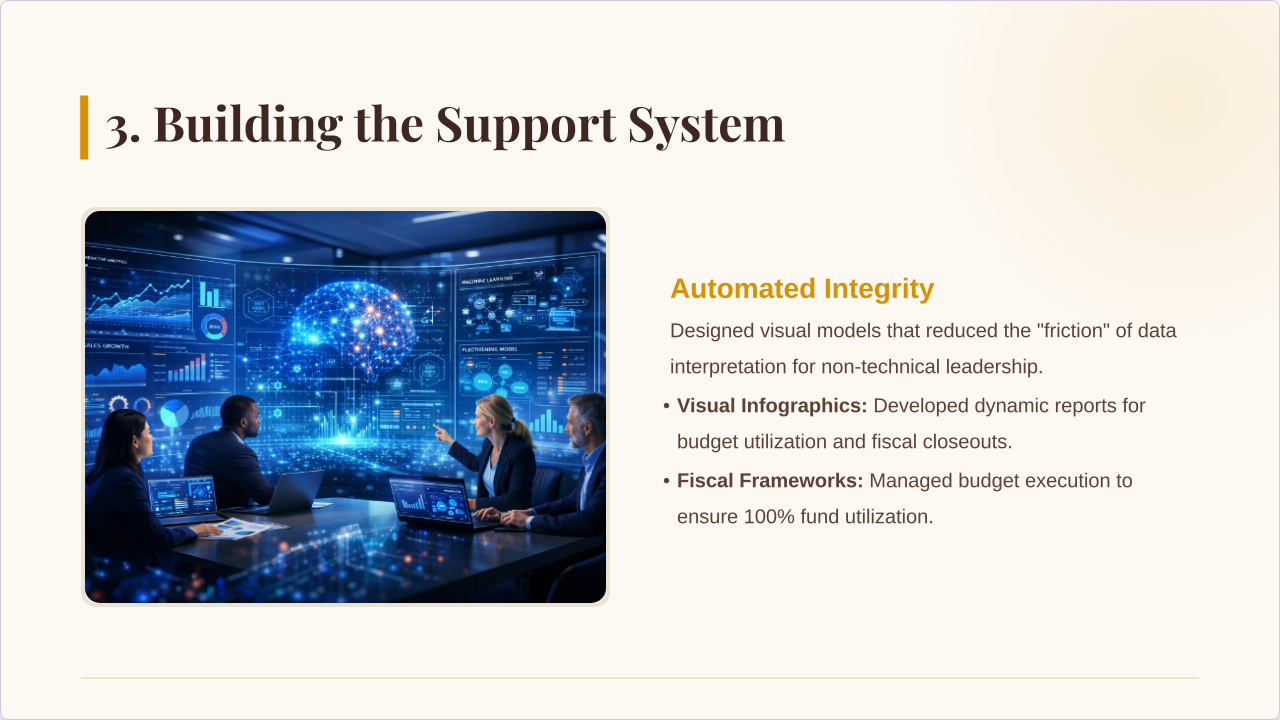
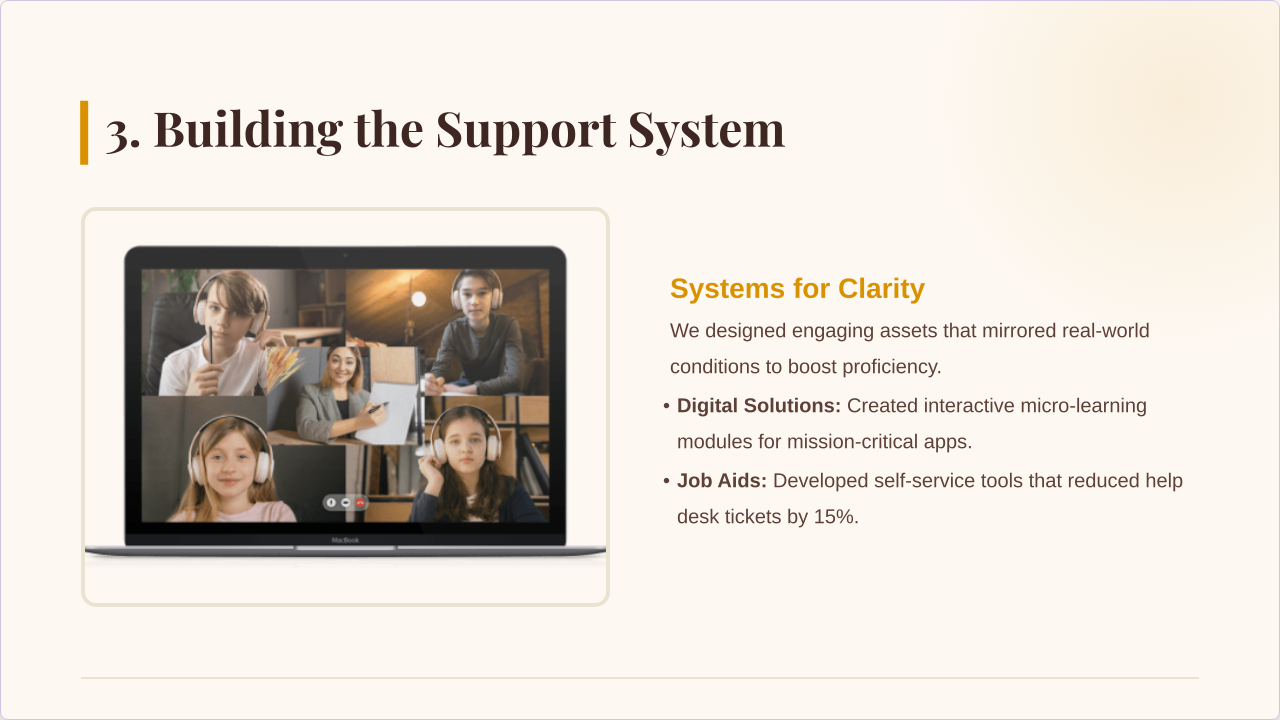
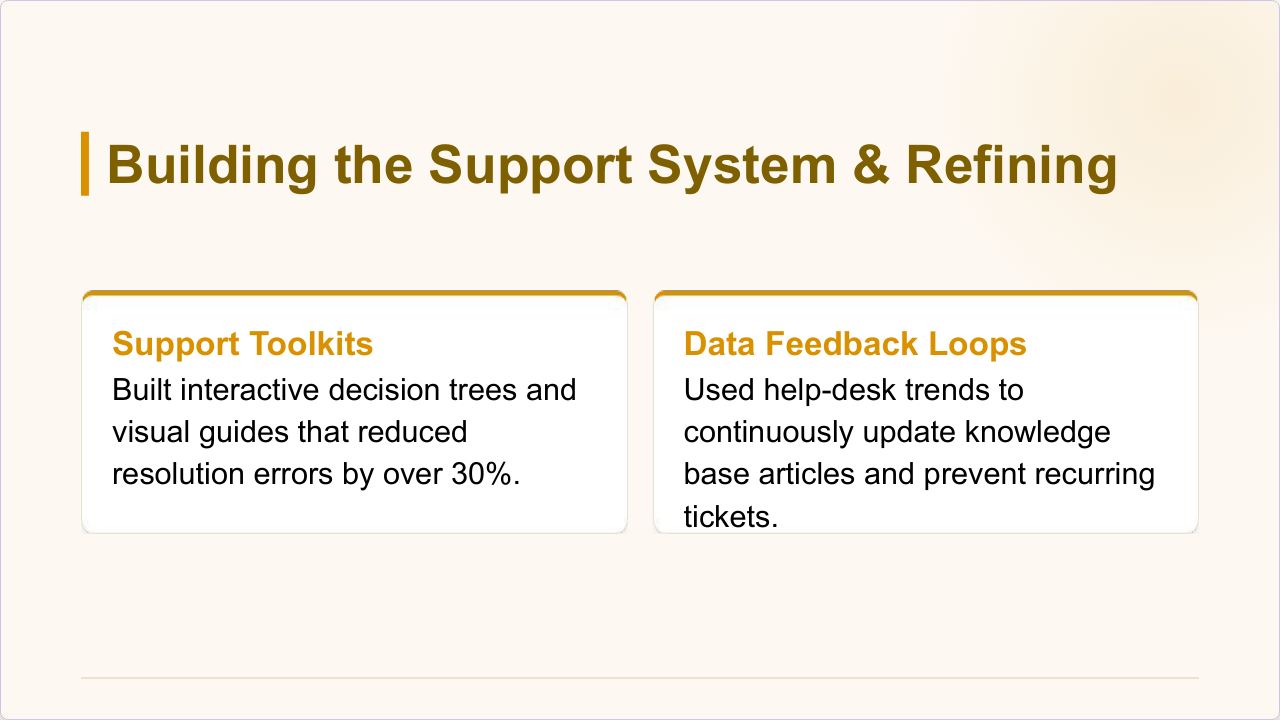
Execute Building the Support System

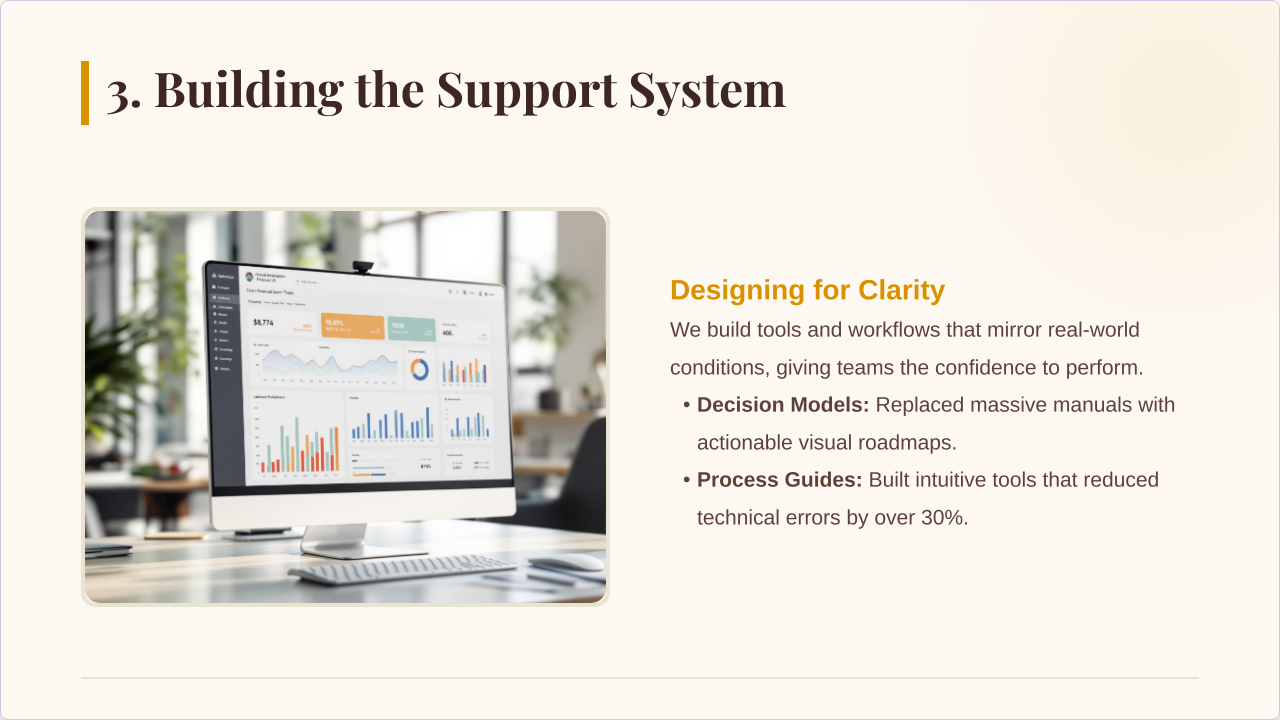
I move away from passive lectures, building "safe-to-fail" simulations and "at-the-desk" toolkits that provide risk-free practice.

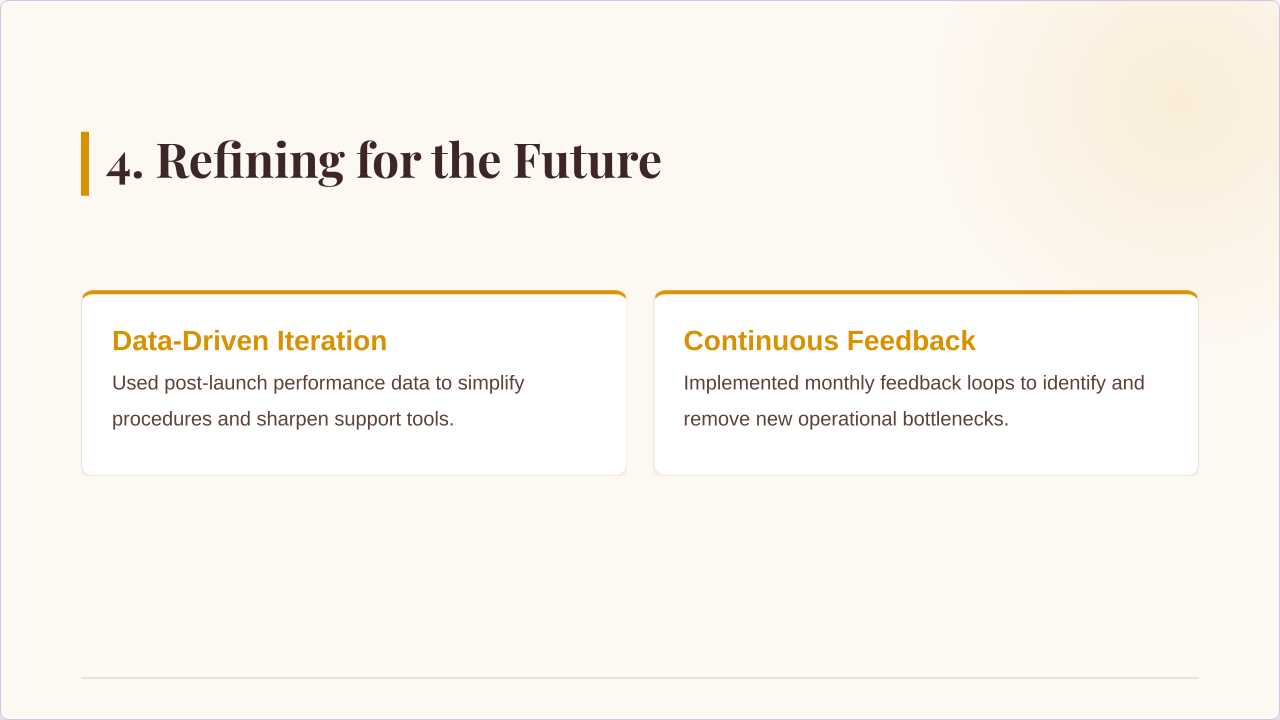
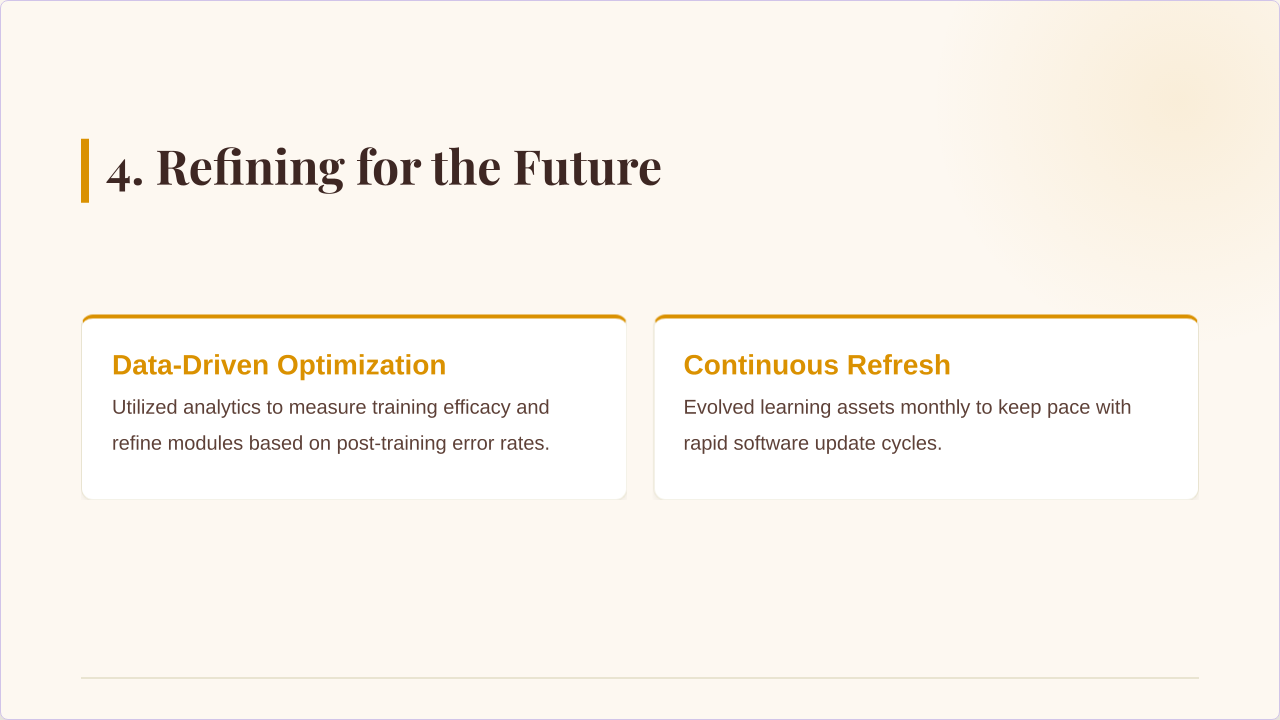
Iterate Refining for the Future

I refine the material based on real-world application, turning complex procedures into simple, sustainable habits..

The Deep Dive (Audit)

I cut through the "nice-to-know" fluff to identify the real friction points and "must-know" performance drivers.

Getting Everyone on the Same Page (Align)

I ensure every module is perfectly synced with the organization's mission, defining exactly what the team needs to do to succeed.

Building the Support System (Execute)

I move away from passive lectures, building "safe-to-fail" simulations and "at-the-desk" toolkits that provide risk-free practice.

Refining for the Future (Iterate)

I refine the material based on real-world application, turning complex procedures into simple, sustainable habits..

Complex Information into Peak Performance Infographic

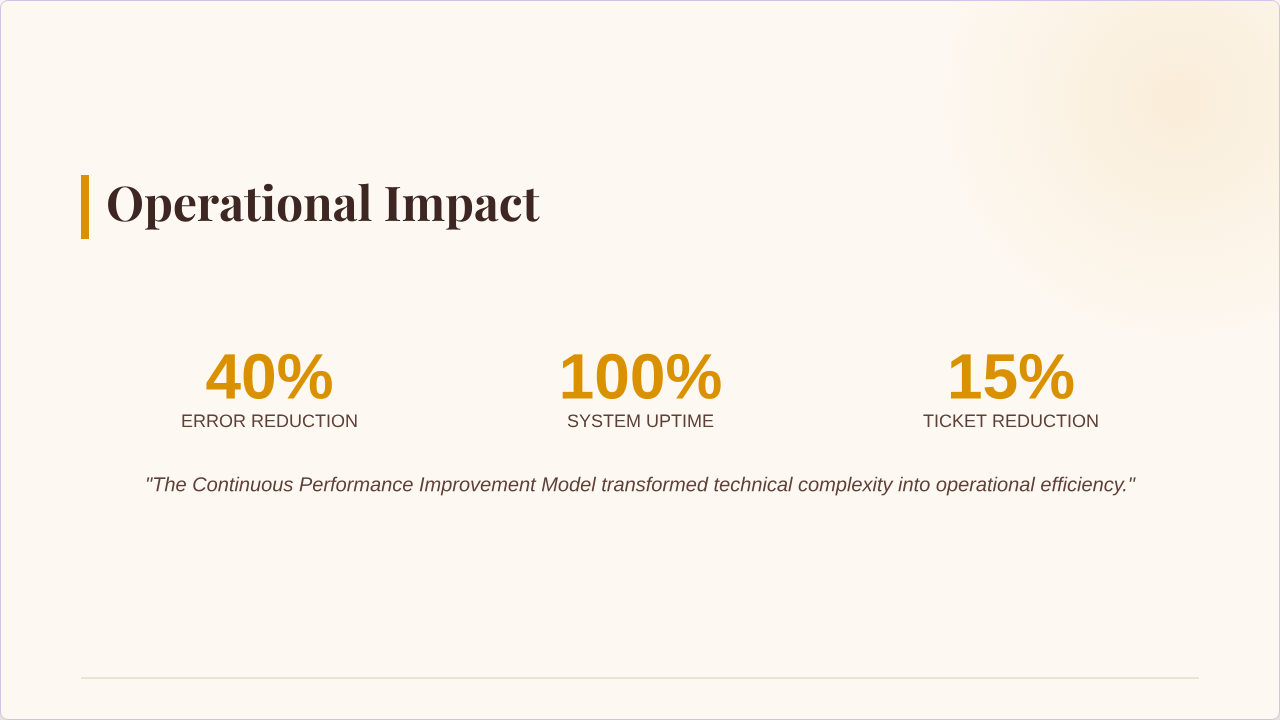
This project showcases my approach to “Architecting Clarity” by transforming over 100 pages of complex procedural documentation into a focused, effective learning experience. Facing an overwhelming procedural shift that caused frustration and increased errors, I collaborated with leadership and subject-matter experts to identify key knowledge gaps, simplify critical information into three core decision trees, and design realistic simulations for safe practice. Using tools like Camtasia, Create Studio 4, MS Slides, Teams, and Zoom, I developed engaging video walkthroughs, visual guides, interactive sessions, and quick-reference job aids. The result was a 30% reduction in training time, improved staff confidence, and a 40% decrease in support calls and technical errors.

Complex Information into Peak Performance

This project showcases my approach to “Architecting Clarity” by transforming over 100 pages of complex procedural documentation into a focused, effective learning experience. Facing an overwhelming procedural shift that caused frustration and increased errors, I collaborated with leadership and subject-matter experts to identify key knowledge gaps, simplify critical information into three core decision trees, and design realistic simulations for safe practice. Using tools like Camtasia, Create Studio 4, MS Slides, Teams, and Zoom, I developed engaging video walkthroughs, visual guides, interactive sessions, and quick-reference job aids. The result was a 30% reduction in training time, improved staff confidence, and a 40% decrease in support calls and technical errors.

  1. Slide 1
  2. Slide 2
  3. Slide 3
  4. Slide 4
  5. Slide 5
  6. Slide 6
  7. Slide 7

Case Study: Complex Information into Peak Performance

The Intro

In high-stakes environments—like the judiciary, healthcare, or the federal government—the cost of a mistake is high, and the information is often dense. This project demonstrates my approach to "Architecting Clarity": taking 100+ pages of technical procedures and transforming them into a streamlined, high-impact learning experience that respects the learner’s time and ensures institutional accuracy.

The Challenge

An organization faced a massive procedural shift that required every staff member to master over 100 pages of technical documentation almost overnight. The initial "information dump" left the team feeling frustrated and overwhelmed, leading to a spike in errors and a drop in confidence during live operations.

The Strategy

I stepped in as a partner to bridge the gap between the complex rules and the people who had to follow them. My strategy focused on three pillars:

  • Listening to Experts: I interviewed leadership to identify the "must-know" performance gaps—defining exactly what the team needed to know, do, and feel to succeed.
  • Simplifying the Tough Stuff: I worked side-by-side with experts to distill the 100-page manual into three core "Decision Trees," making the information digestible.
  • Designing for the Real World: I moved away from generic lectures to create "safe-to-fail" simulations where staff could practice new workflows in a risk-free environment.


The Deliverables

To ensure the learning was engaging and accessible, I utilized a specialized tech stack:

  • Camtasia & Create Studio 4: Used to create high-fidelity video walkthroughs and animated infographics that visualized complex workflows.
  • MS Slides: Developed a clean, professional visual guide for live presentations.
  • Teams & Zoom: Facilitated interactive, remote "breakout" sessions to allow for real-time peer practice.
  • Digital Job Aids: Created 1-page "Desk References" that provided help at the moment of need.


The Results

By moving from "information overload" to "performance support," the project delivered measurable success:

  • Efficiency: Reduced total training time by 30% while increasing comprehension.
  • Confidence: Staff reported a significant boost in readiness and a lower stress level regarding the new procedures.
  • Accuracy: Follow-up support calls and technical errors dropped significantly, ensuring a smooth transition for the entire organization.

Regulatory Training: From Data Dump to Blueprint Infographic

I redesigned a lecture-heavy regulatory training into an interactive learning experience focused on practical application. I coached experts, simplified content into interactive modules with real-time polling and scenario-based exercises, improved engagement and retention, delivered three weeks early, and created the organization's standard for specialized training.

Regulatory Training: From Data Dump to Blueprint

I redesigned a lecture-heavy regulatory training into an interactive learning experience focused on practical application. By coaching subject matter experts, simplifying complex content into interactive modules, and adding real-time polling and scenario-based exercises, I improved engagement and retention. The project increased participation and satisfaction by 40%, was delivered three weeks ahead of schedule, and became the organization’s standard model for future specialized training.

  1. Slide 1
  2. Slide 2
  3. Slide 3
  4. Slide 4
  5. Slide 5
  6. Slide 6
  7. Slide 7

Case Study: Regulatory Training: From Data Dump to Blueprint

I transformed a traditional, lecture-heavy regulatory update into a high-engagement learning model. By coaching senior experts to focus on practical application rather than just data coverage, I created a streamlined experience that respected the learner’s time and ensured critical information was actually retained.

The Challenge

The organization’s senior experts were delivering vital regulatory updates, but the "information-heavy" format was backfiring. Engagement was at an all-time low, and post-training feedback revealed that staff were unable to apply the most critical rules to their daily work. The "human element" was being lost in the technical jargon.

The Strategy: Architecting the Shift

  • Strategic Expert Coaching: I partnered with Subject Matter Experts (SMEs) to translate their deep technical knowledge into actionable skills. We shifted the focus from "what we need to say" to "what the staff needs to do."
  • Interactive Scaffolding: I broke down dense regulatory language into manageable, interactive segments. To ensure the message was landing, I integrated live polling to track comprehension in real-time.
  • Production Excellence: I managed the end-to-end technical coordination of live webcasts and digital resources, ensuring every deliverable was polished and professional.


The Deliverables

  • Focused Interactive Modules: Short, high-impact digital lessons designed for easy access and high retention.
  • "Privacy & Tech" Case Study: A realistic, scenario-based exercise that challenges learners to solve real-world problems involving data privacy and technology.
  • Moment-of-Need Knowledge Checks: Integrated assessments that confirmed mastery of foundational topics before moving to advanced concepts.


The Results

  • Elevated Engagement: Achieved a 40% increase in learner participation and satisfaction scores.
  • Operational Efficiency: Delivered the entire project 3 weeks ahead of schedule through strict milestone management.
  • Institutional Legacy: My design was officially adopted as the Company-Wide Blueprint, setting the standard for how all future specialized training is developed and delivered.

Guided Onboarding: From First-Day Friction to Day-One Ready

First impressions are everything. I designed this "Guided Onboarding Experience" to replace the typical first-day overwhelm with a supportive, step-by-step introduction to the organization. By blending clear technical instructions with an inviting tone, I ensured new associates could navigate essential systems with confidence from their very first hour.

The Challenge

New associates were starting their careers feeling overwhelmed and unsure. The existing process left them hunting for payroll links and benefit enrollment forms, leading to a high volume of support questions and a disjointed start to their employee experience.

The Strategy: Designing with Empathy

I really wanted to make sure new hires felt supported from day one, rather than overwhelmed. My approach was all about making the transition as smooth as possible:

  • The "Guided" Philosophy: I focused on a "hand-held" approach by breaking down high-priority tasks into a logical sequence. This took the stress out of the first week because people always knew exactly what to do next.
  • Simplifying the Technical: I looked for the biggest "friction points"—the stuff that usually trips people up, like 401(k) setup and payroll-and built clear, visual walkthroughs. My goal was to eliminate the guesswork so new hires could get their benefits set up correctly the first time.
  • Brand Consistency: I made sure the tone was both professional and welcoming. By aligning the onboarding with our culture of support, it helped new employees feel like they were part of the team before they even finished their first day.


The Deliverables

To bring that strategy to life, I built a few key resources that focused on clarity and ease of use:

  • Step-by-Step Video Walkthroughs: I used Camtasia and Snagit to show exactly where to click and how to navigate our systems. It's much easier for people to follow along with a video than to try and decode a list of written instructions.
  • Interactive Onboarding Deck: I built this in Google Slides but used Create Studio 4 to add some design polish. I wanted to keep the experience engaging so that people actually enjoyed clicking through it rather than just zoning out.
  • Digital "Support Hub": I created a centralized resource where everything—payroll, benefits, IT-lived in one place. It allowed new hires to find help instantly without having to jump between different apps or hunt for links.


The Results

  • Reduced Friction: Streamlined the onboarding window, allowing new hires to complete essential paperwork faster and with fewer errors.
  • Increased Confidence: Post-onboarding feedback showed a significant boost in "Day-One Readiness" and a decrease in anxiety regarding system setups.
  • Operational Relief: Drastically reduced the number of repeat support inquiries to HR and IT during the initial hiring phases.

Guided Onboarding: From First-Day Friction to Day-One Ready

To transform the chaotic first-day experience into a streamlined, "Day-One Ready" transition, I designed a Guided Onboarding Experience that replaces technical friction with empathetic, step-by-step support. By identifying major pain points like payroll and benefit enrollment, I developed a suite of high-clarity deliverables—including Camtasia video walkthroughs, an interactive Google Slides deck enhanced with Create Studio 4, and a centralized Digital Support Hub. This strategic overhaul not only significantly reduced the volume of repetitive HR and IT support inquiries but also boosted new associate confidence, ensuring employees felt culturally integrated and operationally prepared from their very first hour.

  1. Slide 1
  2. Slide 2
  3. Slide 3
  4. Slide 4
  5. Slide 5
  6. Slide 6
  7. Slide 7

Case Study: Making Onboarding Work

To transform the chaotic first-day experience into a streamlined, "Day-One Ready" transition, I designed a Guided Onboarding Experience that replaces technical friction with empathetic, step-by-step support. By identifying major pain points like payroll and benefit enrollment, I developed a suite of high-clarity deliverables—including Camtasia video walkthroughs, an interactive Google Slides deck enhanced with Create Studio 4, and a centralized Digital Support Hub. This strategic overhaul not only significantly reduced the volume of repetitive HR and IT support inquiries but also boosted new associate confidence, ensuring employees felt culturally integrated and operationally prepared from their very first hour.

Project: Customer Escalation & Resolution

I developed a structured framework that turns customer complaints into opportunities for improvement while protecting the organization from legal and reputational risks. By identifying hidden regulatory issues, fixing communication gaps between teams, and addressing root causes instead of temporary fixes, the approach strengthened compliance and improved operational efficiency. I also emphasized empathetic communication to rebuild customer trust and acted as a bridge between frontline staff, legal teams, and leadership. To support consistent resolutions, I created a clear step by step process and visual guides that simplified complex procedures, ultimately leading to stronger documentation, smoother operations, and more satisfied customers.

Project: Customer Escalation & Resolution

I developed a structured framework that turns customer complaints into opportunities for improvement while protecting the organization from legal and reputational risks. By identifying hidden regulatory issues, fixing communication gaps between teams, and addressing root causes instead of temporary fixes, the approach strengthened compliance and improved operational efficiency. I also emphasized empathetic communication to rebuild customer trust and acted as a bridge between frontline staff, legal teams, and leadership. To support consistent resolutions, I created a clear step by step process and visual guides that simplified complex procedures, ultimately leading to stronger documentation, smoother operations, and more satisfied customers.

  1. Slide 1
  2. Slide 2
  3. Slide 3
  4. Slide 4
  5. Slide 5
  6. Slide 6
  7. Slide 7
  8. Slide 8

Project: Customer Escalation & Resolution

In high-pressure environments, it's easy to just fix a problem and move on. But for this project, I wanted to do more than just put out a fire. I built a framework that treats every customer complaint as a chance to learn something. It's about keeping the company safe from legal risks while making sure the people we serve actually feel heard and valued.

Challenge

When customer escalations happen, the risk isn't always visible right away. I identified three core challenges that needed to be addressed before they became bigger problems.

The Strategy

When I'm handling high-stakes resolutions, I look at it as more than just "fixing a mistake"-it's about protecting the organization while taking care of the person on the other end.

  • Invisible Risks: We had potential legal and regulatory gaps that weren't being caught until it was almost too late.
  • Broken Handoffs: There was a clear "gap" where information was falling through the cracks between teams.
  • Losing Trust: When customers feel ignored or misunderstood-especially those with accessibility needs-it doesn't just hurt that one relationship; it hurts the brand's reputation.
  • Thinking Ahead: I made it a priority to spot regulatory "red flags" early on. By catching these ripples before they turned into waves, we were able to fix issues long before they ever escalated into formal audits or lawsuits.
  • Fixing the Root Cause: I'm a big believer in not paying for the same mistake twice. Instead of just treating the symptoms, I dug into why the error happened in the first place so we could build a permanent fix and move on for good.
  • Empathy as a Tool: In tense situations, I used calm, empathetic communication to de-escalate the heat. It's not just about being nice; it's a strategic move that keeps customers from walking away when things go wrong.
  • Connecting the Dots: I acted as the bridge between our frontline staff, the legal team, and the executives. My goal was to make sure everyone was on the same page and that the right hand always knew what the left hand was doing.


Deliverables

To make sure these resolutions were consistent and easy to follow, I put together a couple of key resources:

  • A Clear Roadmap: I laid out a step-by-step process for the team. This gave everyone a reliable path to follow to ensure every single resolution was documented well enough to pass a formal review without any issues.
  • Visual Guides: I used Google Slides and Creator Studio 4 to turn those complex, wordy processes into a clean visual infographic. It made the information much easier for the whole team to grab at a glance instead of digging through a manual.

Results

  • Bulletproof Compliance: We strengthened our documentation, giving us a safety net against future legal issues.
  • Smoother Operations: By closing those "handoff gaps," the team is now more efficient and less prone to repeating the same expensive errors.
  • Happy Customers: We didn't just solve complaints; we restored trust and made our service more inclusive for everyone.
  • Better Intelligence: We turned "unhappy feedback" into a roadmap for how the business can actually improve.

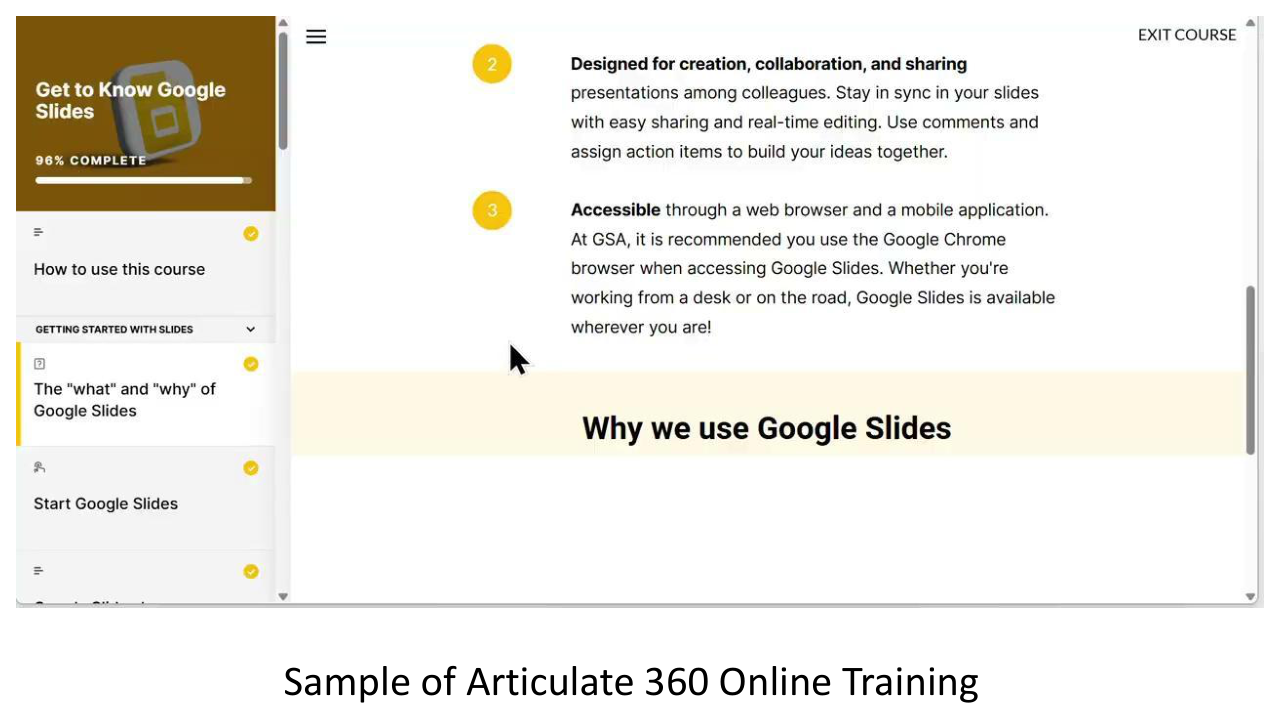
Project: Get to know Google Slides Articulate 360

This project focused on expanding training access beyond traditional live sessions. I designed a scalable eLearning library to give employees flexible, on-demand access to essential knowledge. The result was a sustainable training solution that improves retention while supporting organizational growth.

Challenge

Live training was not consistently accessible to new hires or employees who needed refreshers. This limited knowledge retention, reduced scalability, and created gaps in ongoing learning support. The organization needed a flexible solution that could extend the value of training beyond a single session.

The Strategy

I wanted to move away from "one and done" training sessions and instead build something that would actually stick around. My goal was to create a digital library that employees could use whenever and wherever they needed it:

  • Converting Live Content: I took our most important live training sessions and turned them into structured, self-paced modules. This meant people could learn at their own speed without having to wait for the next scheduled class.
  • Designing for Everyone: I made sure the content was accessible for everyone, from new hires to seasoned veterans, so that no one felt left behind or bored by the material.
  • Building for the Future: I didn't just want to build it; I wanted to make sure it stayed relevant. I created a framework that makes it easy to update content so the materials stay current even as our rules and tech evolve.
  • Focusing on Retention: I kept everything concise and modular. By breaking the training into smaller "bites," it's much easier for the team to actually remember what they've learned and apply it to their work.


Deliverables

To make this vision a reality, I delivered a set of tools that focused on long-term impact and scalability:

  • A Centralized Training Library: I built a "one-stop shop" for all our learning resources. It's now much easier for the team to find what they need without hunting through different folders or emails.
  • Anytime, Anywhere Modules: These self-paced eLearning modules are fully accessible on-demand, giving employees the flexibility to fit training into their busy schedules.
  • Sustainable Content Framework: I provided a system for easy updates to ensure the library remains a valuable asset for years to come, rather than something that becomes obsolete in six months.
  • Structured Learning Paths: I organized the content into clear paths for both new and existing staff so everyone has a clear roadmap for their professional growth.


Results

  • Expanded training access across all employee levels
  • Improved knowledge retention through repeatable, on-demand learning
  • Reduced dependency on live sessions
  • Increased long-term return on training investment


This project demonstrates my ability to design scalable learning systems that extend impact, improve access, and support organizational efficiency.

  1. Slide 1
  2. Slide 2
  3. Slide 3
  4. Slide 4
  5. Slide 5
  6. Slide 6
  7. Slide 7
  8. Slide 8
  9. Slide 9
  10. Slide 10
  11. Slide 11
  12. Slide 12
  13. Slide 13

“Google Slides: Shape, Pics, Text and Vids with Style” Quick Start training guide”

This training guide was developed to give webinar attendees a clear, easy-to-follow reference for everything covered in the live training. It highlights key Google Slides features—shapes, pictures, text, and videos—along with tips to make slides look polished and professional. Our goal was to create a practical tool that helps users confidently apply what they learned right away.

Challenge

  • Webinar attendees needed a concise, actionable reference to support their learning after the live training.
  • Key issues addressed:
    • Difficulty recalling all features demonstrated during the session.
    • Need for guidance on Google Slides best practices (shapes, pictures, text, videos, and styling).
    • Ensuring consistent and effective presentation design.


Strategy

  • Develop a job aid slide deck as a practical reference tool.
  • Include:
    • Step-by-step guidance for key features covered in the webinar.
    • Visual examples to demonstrate shapes, images, text, and video usage.
    • Styling tips to maintain consistency and professional appearance.
  • Organize content to mirror the flow of the live webinar, making it easy to follow.


Deliverables

A comprehensive Google Slides job aid deck including:

  • Sections for shapes, pictures, text, and videos.
  • Demo screenshots or annotated visuals from the webinar.
  • Quick tips and best practices for each feature.
  • Reference notes for further experimentation and learning.


Results

  • Attendees have a ready-to-use resource to reinforce training concepts.
  • Improved retention and application of Google Slides features.
  • Enhanced ability to create visually appealing and functional presentations.
  • Reduced follow-up questions post-training due to clear, accessible guidance.